
8 nice text-based applications in Linux
0
comments
The terminal is arguably the most used application when it comes to Linux. And together with the excessive usage of the terminal in Linux, there are a lot of text-based applications to use directly on the terminal for almost every task you need to perform daily. Text-based applications are usually simple, clean and very easy to customize. And moreover, since these applications are text-based, they dont consume much resource, you then can run these apps on old computers without any problem. Moreover, when you incorporate these text-based apps with tiling window managers like Awesome or XMonad, the result is really nice. Here are the list of my favorite text-based applications that I use everyday in my Linux computer:
1 – Vim
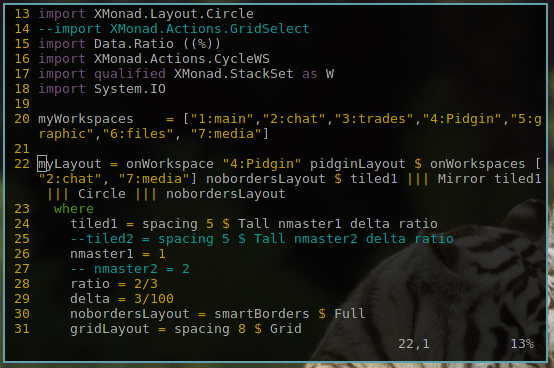
Vim is one of the most used text editors in Linux. It is based on Vi and has a lot of features that nobody dares to claim that he knows everything about Vim. You can either use Vim as a text-based app or with a GUI. Some other well known command line interface text editors are Nano and Emacs.
2 – Calcurse
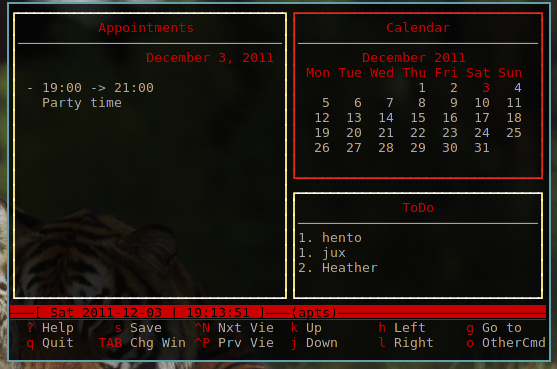
Calcurse is my favorite tool to keep track of events, appointments and everyday tasks.It has a configurable notification system to reminds users of upcoming events and deadlines, and the curses based interface can be customized to suit user needs.
3 – Mutt
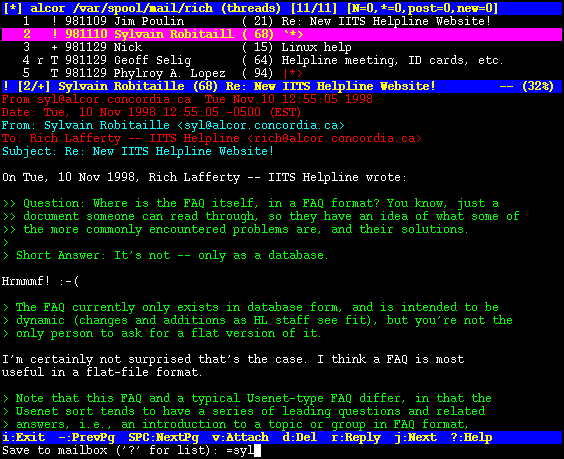
Not as well known as Evolution or Thunder Bird but Mutt is an awesome mail client. If you prefer to read mails that have text only, Mutt is the best choice for you. It’s light, fast and highly configurable.
4 – Mpd with ncmpcpp
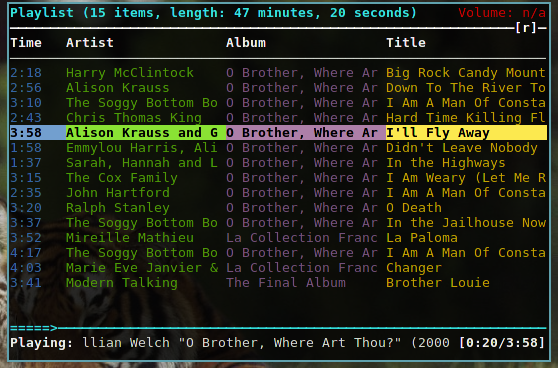
I got a lot of questions about the “rainbow” music player I use in some of my screenshots. This is mpd with ncmpcpp. There are also many other text-based music players such as Cmus, xmms2, Moc … but Mpd is always my favorite.
5 – Links
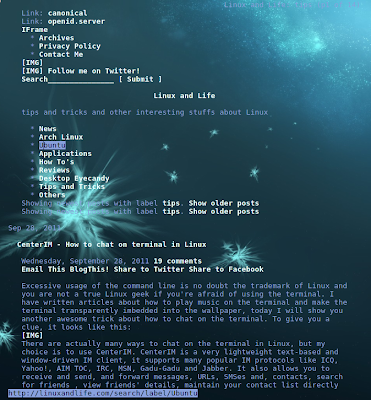
Links is a test-based web browser. It was my savior when I tried to install Arch Linux the first time. Since you dont have any graphic interface when installing Arch, other browsers like Firefox or Chromium cannot work for you, Links would be very useful then to check the installing guide. Links and other test-based browsers like elinks, lynx … are also very helpful for webmasters to see how the robots see their websites.
6 – Irssi and weechat
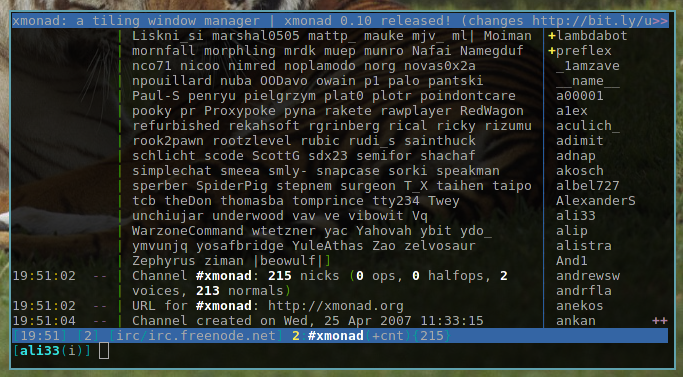 |
| Weechat with the default settings |
Irssi is very famous already, it is perhaps the widest used irc client in Linux. Irssi is very simple by default but you can customize it to any level if you have enough time and knowlegde. Weechat is not as well-known as irssi but it’s also a very nice text-based irc client. There are actually not many differences between Irssi and Weechat but if you’re a newbie and just want to use the default settings, Weechat is your better choice since the default settings of Weechat is really better than that of Irssi.
7 – CenterIM
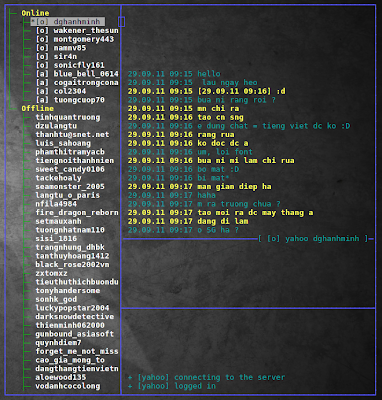
I use yahoo chat a lot and CenterIM is a very nice application to chat yahoo on the terminal. It also support many other popular message platforms besides Yahoo. If you’re interested in CenterIM, you can read my article about how to set up and use CenterIM.
8 – MC
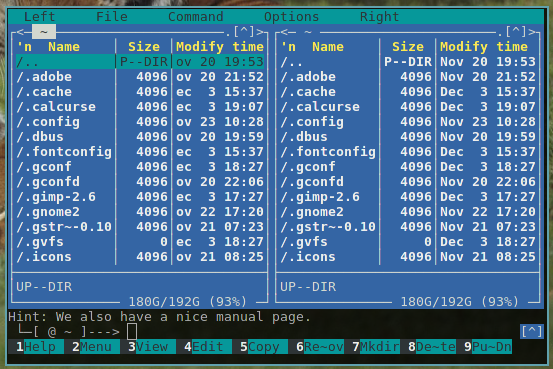
MC is the acronym for Midnight Commander, it is a text-based file manager. You may already have Nautilus, Thunar, Dolphin … but if you’re really a Linux power user, you should consider using a text-based file manager. Other well-known text based file managers are Vifm (based on Vim) and Gnome Commander.
Links to this post
My Arch Linux desktop with XMonad
1 comments
I’ve been using XMonad for more than 2 months but I’m still amazed of how much you can customize this tiling window manager. The image below is my current Arch Linux desktop with XMonad as the window manager. It’s really fast, stable, simple and extremely productive. If you want to learn about setting up and customize XMonad, you can read my guide about XMonad in Arch Linux. You can also use XMonad in Linux Mint by following this guide. And here is my current xmonad.hs
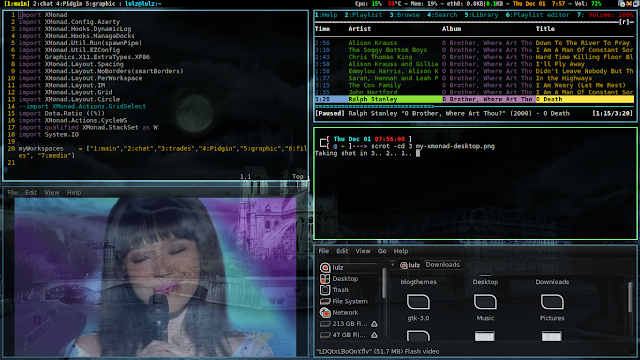
In case you’re wondering, the applications you see in the picture are:
– Thunar
– Terminator
– Vim
– mpd with ncmpcpp
– Gnome-mplayer
To know more about XMonad, here is a youtube video. Hope you all like this vid.
Links to this post
Home