
Firefox, Chromium and Opera are usually the default browsers of most Linux distros and these 3 browsers can meet all your daily needs to surf the net. But if you feel bored with these popular browsers, there are many other great but less known browsers for Linux for you to choose. Due to my current job, I have to install many other browsers besides these big 3 browsers and often have to use 5-6 different browsers simultaneously. Today I will give you some brief introductions about the less know browsers for Linux that I’m using. And if you find it’s boring to use the popular browsers like Firefox, Chromium or Opera and want to try new things, these less known browsers will be great choices for you.
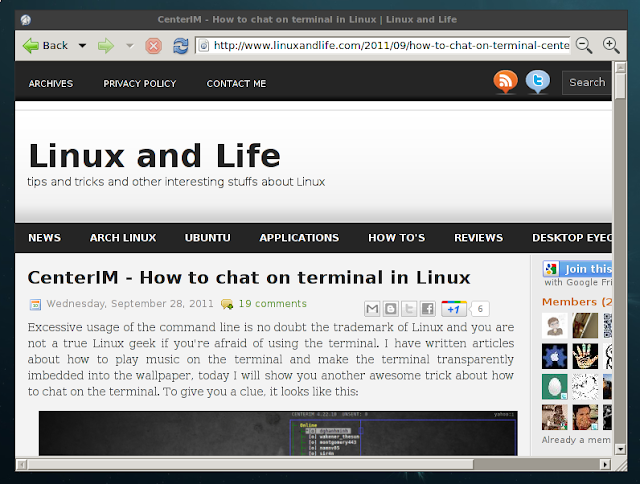
Epiphany is the web browser for the GNOME desktop. It is a descendant of Galeon, and was created after developer disagreements about Galeon’s growing complexity. Though Epiphany doesnt have many features like Opera or Firefox, but if you want a web browser that is more simple and easy to use, Epiphany should be your choice
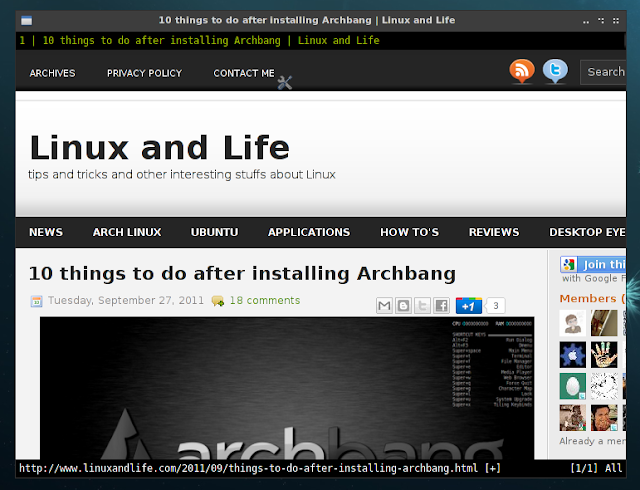
Currently the default browser of Archbang. Jumanji is a very customizable and functional web browser based on the libwebkit web content engine and the gtk+ toolkit. The idea behind jumanji is a web browser that provides a minimalistic and space saving interface as well as an easy usage that mainly focuses on keyboard interaction like vimperator does. The way to use Jumanji is very different from other browsers like Firefox or Opera so Jumanji can be quite troublesome if you’re new to it. But if you spend time learning how to use it, Jumanji would be a very great browser.
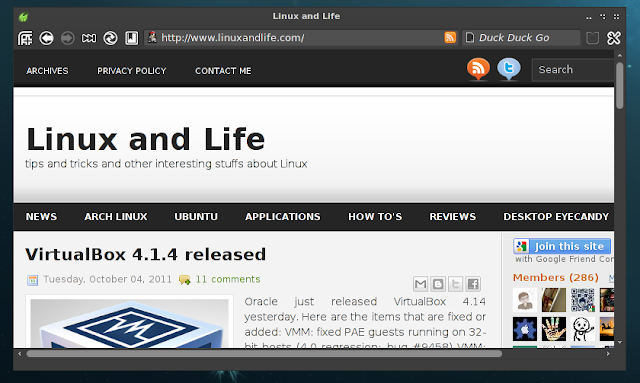
Midori is another simpke browser that is fully integrated with GTK+ 2. Midori is very fast in rendering web pages. Midori has all the basical features you would need in a web browser. Midori uses the WebKit engine (the same as Safari and Chrome) and the Open Search API and allows you to specify and define your own search engine easily. Instead of Google or Bing, the default search engine of Midori is Duckduckgo.
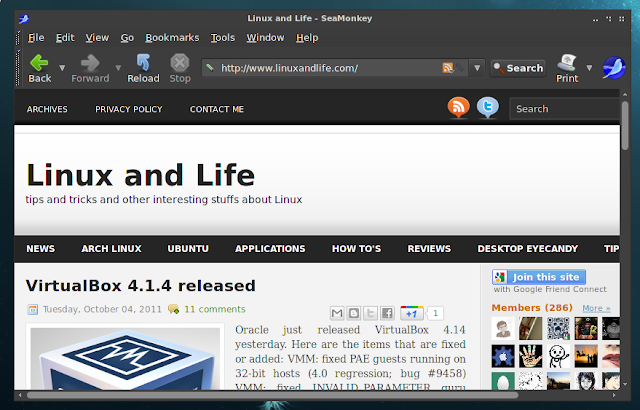
Seamonkey can be a great alternative for Firefox, it has many awesome add ons and all the basic built in features. Seamonkey also comes with a email and newsgroup client, IRC chat client, and Web development tool. So if you need an all-in-all browser, Seamonkey could be your choice.
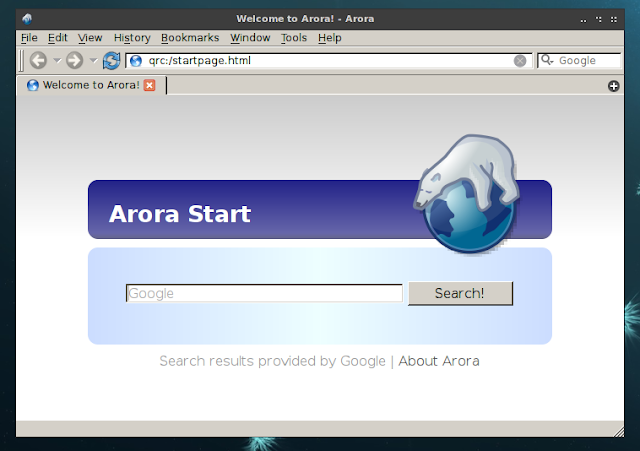
Arora is another simple and light weight browser. Arora has flashblock built in and can run in private browsing mode easily so it is one of the most frequently used browsers of mine.
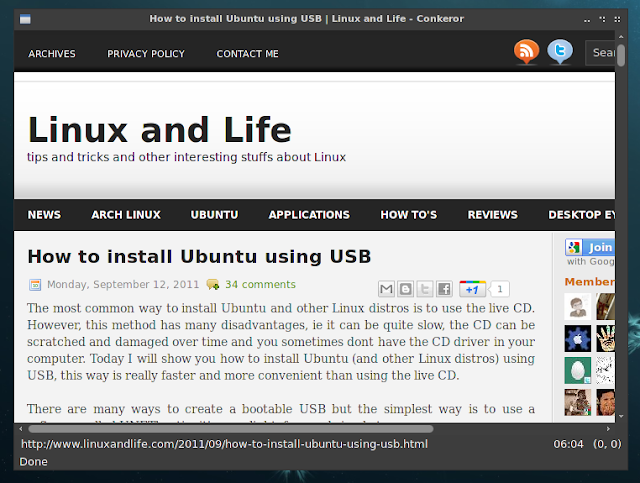
Dont be mistaken Conkeror with Konqueror (the web browser for KDE desktop), the two browsers are totally different. Conkeror is somewhat similar to Jumanji, it is a keyboard-oriented, highly-customizable, highly-extensible web browser based on Mozilla XULRunner, written mainly in JavaScript, and inspired by exceptional software such as Emacs and vi. If you love Jumanji, you will love Conkeror for sure.
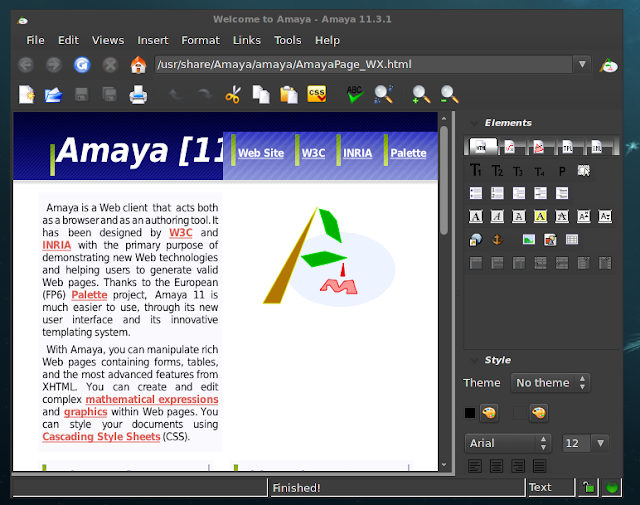
Amaya is a pretty cool browser, in fact it’s more than a casual browser. Amaya offer tools for you to create and edit documents directly on the Web. With Amaya, you can browse the Web and use the editor to change the color of the text, images layout or any other things that you see in the screen. Amaya woul be a very great tool for bloggers and Web developers/designers.
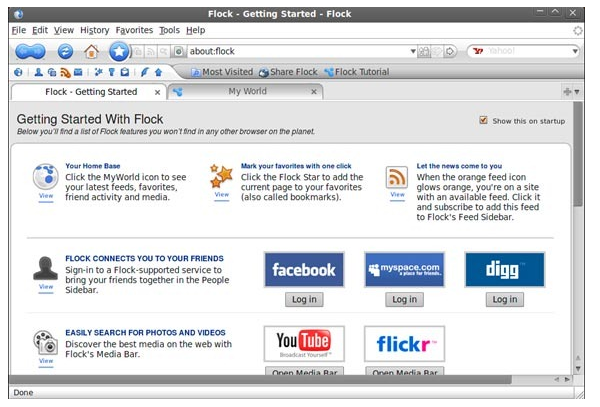
Flock is based on the Gecko engine (Firefox uses this engine too) and it is geared toward many of the Web 2.0 stuffs. You can easily connect to your friend in Facebook, MySpace, Digg. watch Youtube video, browser Flickr photos, write a blog post or save a public bookmark and many more Web services. It may not be the fastest, but it is surely the most complete in Web 2.0 sense.
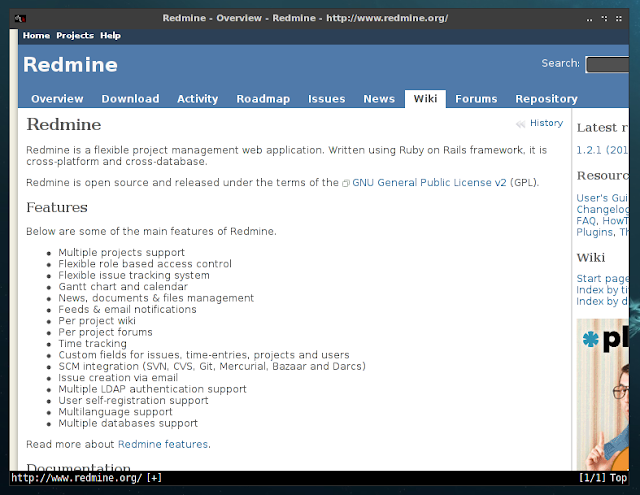
Luakit is a very intriguing WebKit based browser that will interest Linux power users. It is very highly configurable and its users usually are geeks and other people who have too much leisure. The default user interface is so simple that it’s basically non-existent. Users need to configure their rc.lua file to customize the browser. Luakit can be extended and programmed using the Lua language. If you’re looking for an ultra-light web browser, or the idea of configuring your own sounds like fun, you should check out Luakit.
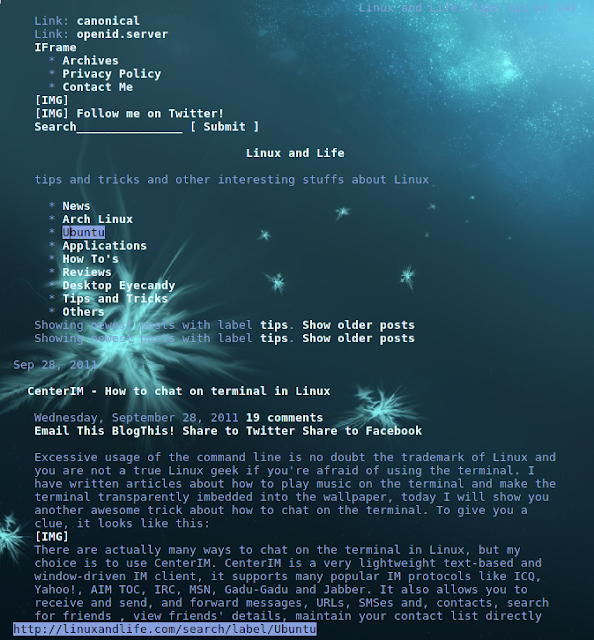
These are the text based browsers, means that you will surf internet on the terminal and you won’t see any images, javascript, advertisement or popup in the page. They are very useful for those who value speed over looks and just want to read the text rather seeing plenty of image or advertisements. If you are a frequent visitor of sites that offer free ebooks in html format like gutenberg.org, these browsers can be very helpful.